



Instruction
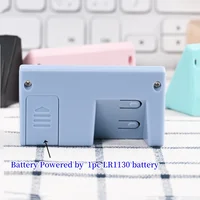
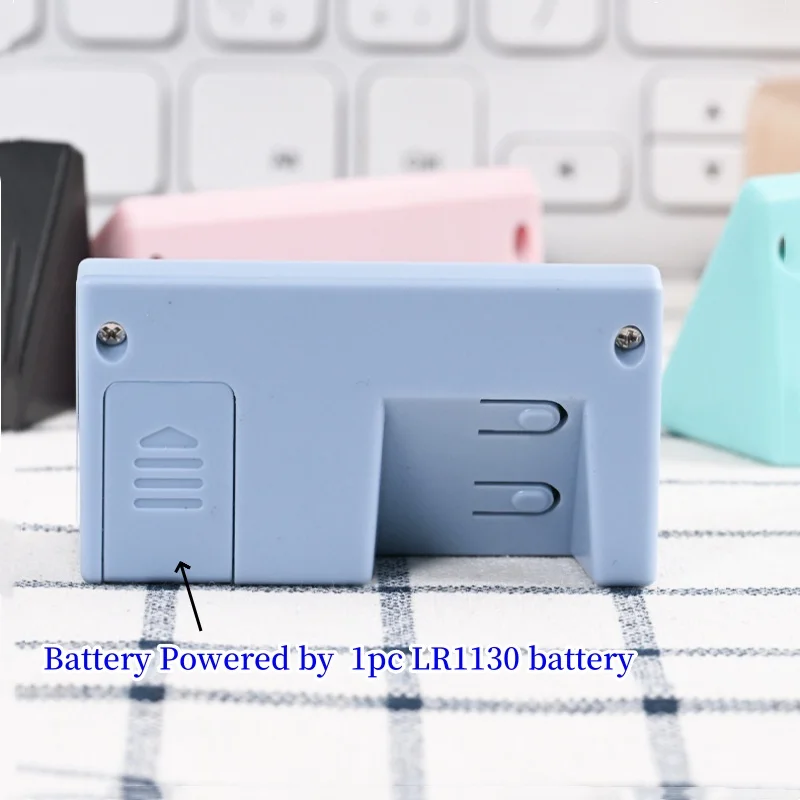
Battery Powered by LR1130 Battery(Included)
Two Keys:
The upper key is “SET”
The lower key is “+”.
1.Set Date
Time Display-Press “SET” key—Month and Day display—Press “SET” key—Month display—Press “+” key—Adjust the Month—Press “SET” key—Day display–Press “+” key—Adjust the Day
2.Set Time
Time Display-Press “SET” key—Month and Day display—Press “SET” key—Month display—Press “+” key—Adjust the Month—Press “SET” key—Day display–Press “+” key—Adjust the Day—Press “SET” key—Hour display—Press “+” key—Adjust the Hour—Press “SET” key—Minute display–Press “+” key—Adjust the Minute
3.Date Display
Time Display-Press “SET” key—Month and Day display
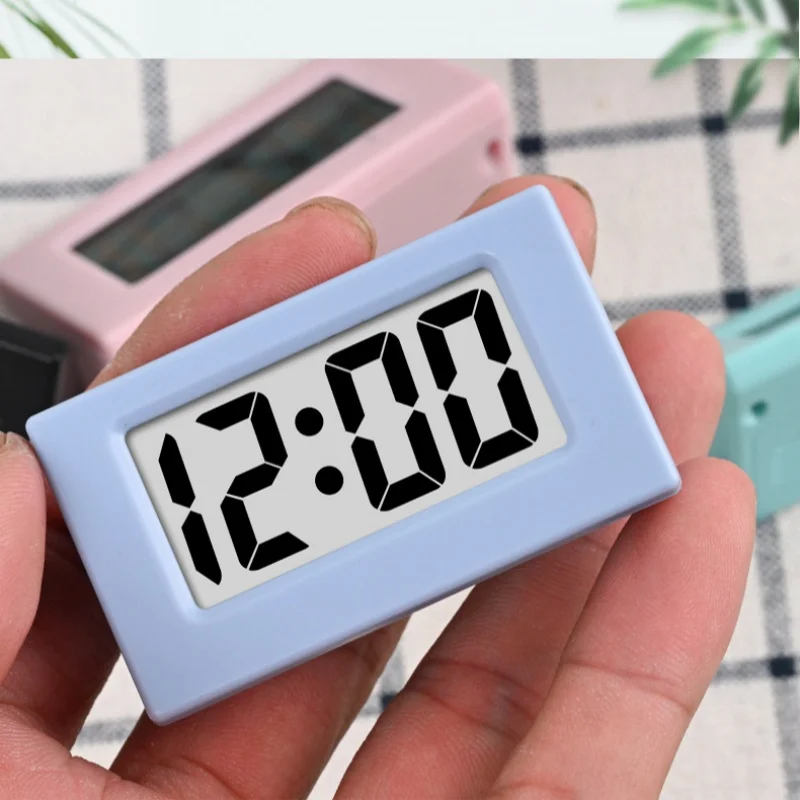
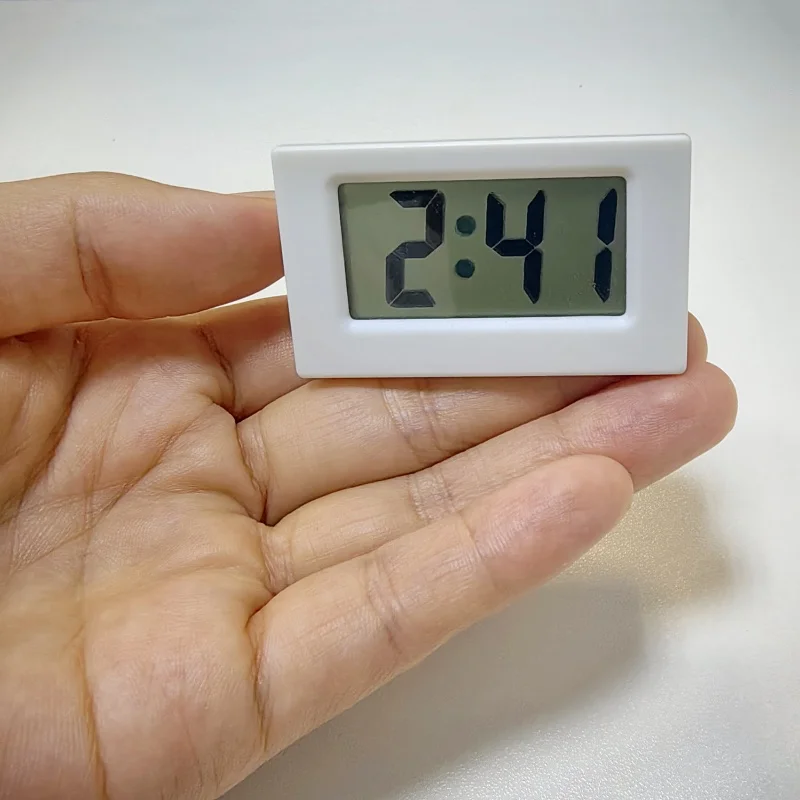
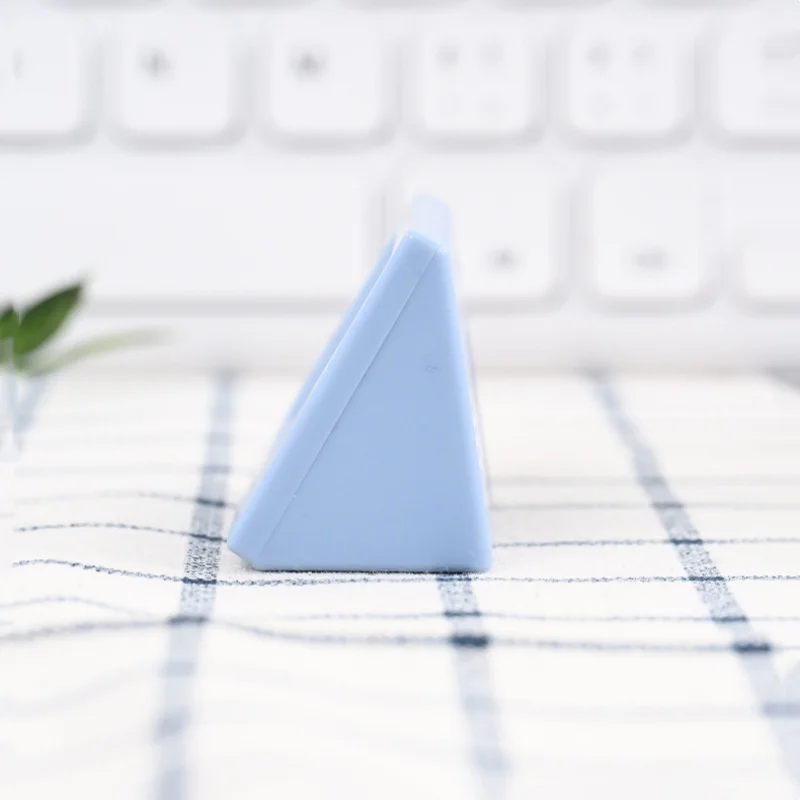
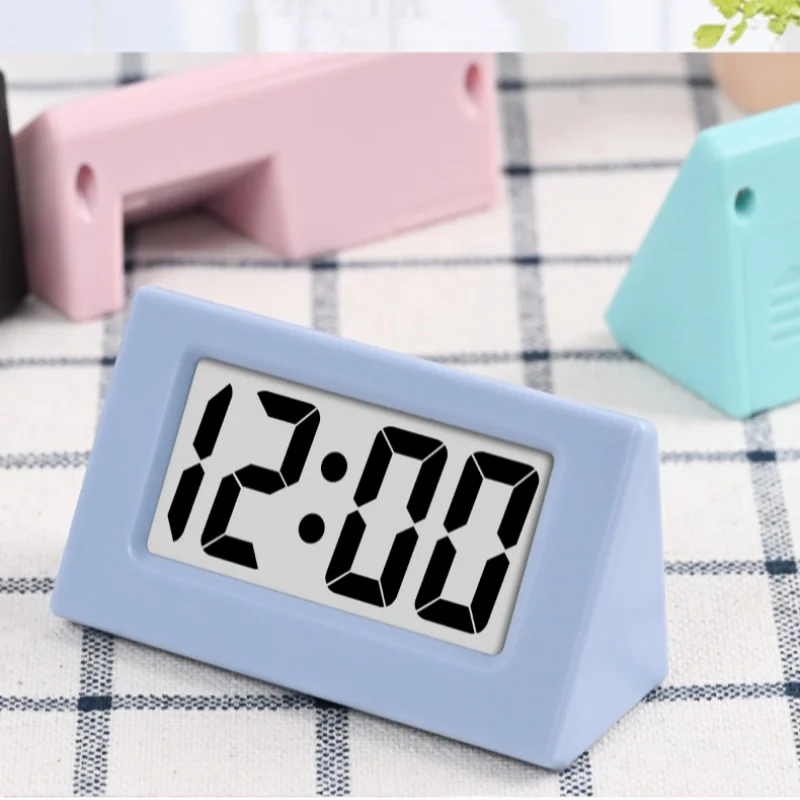
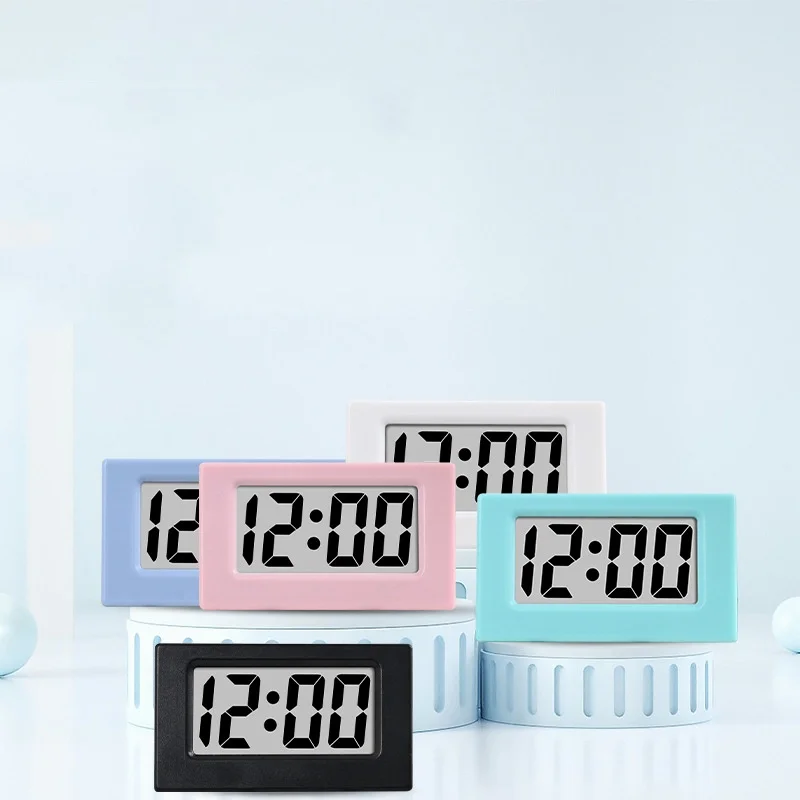
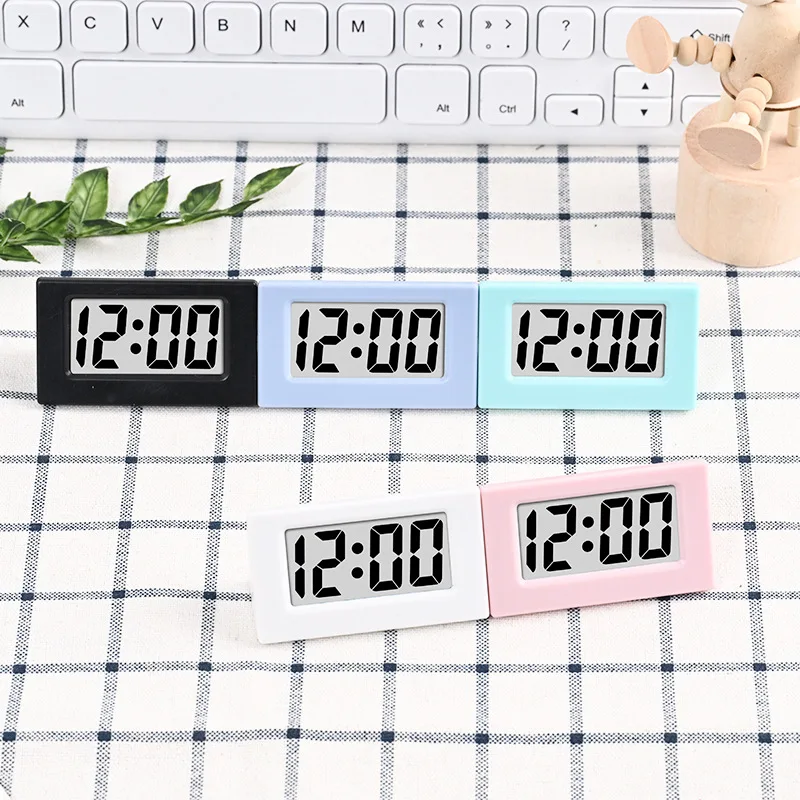
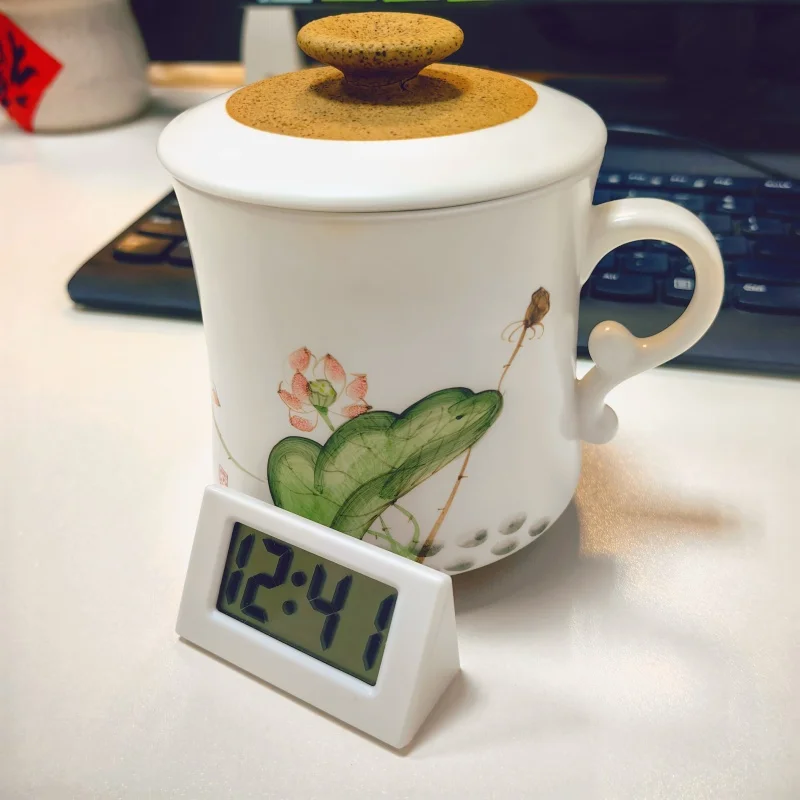
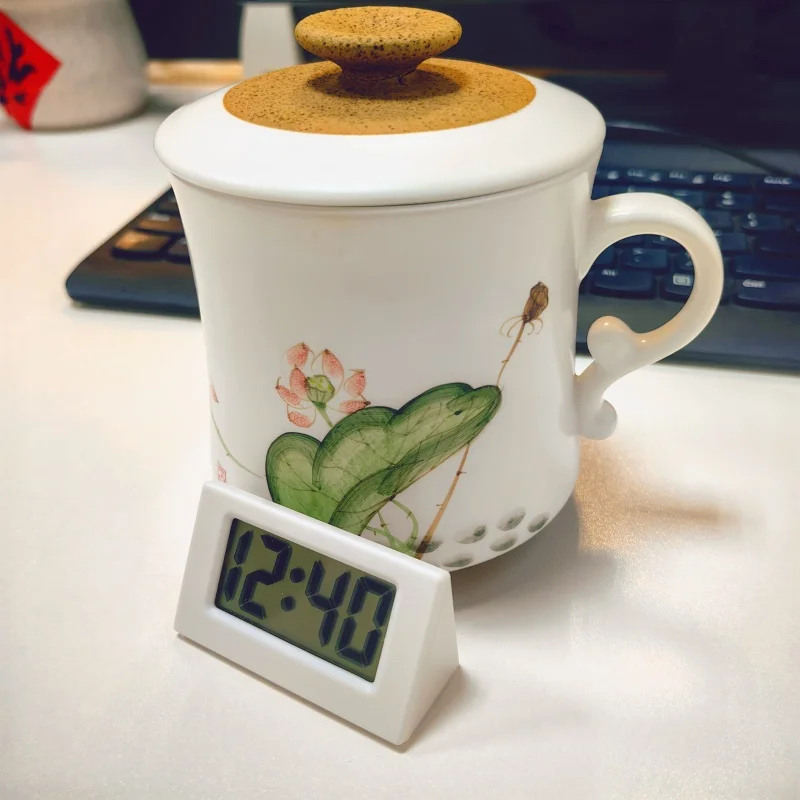
Product Show
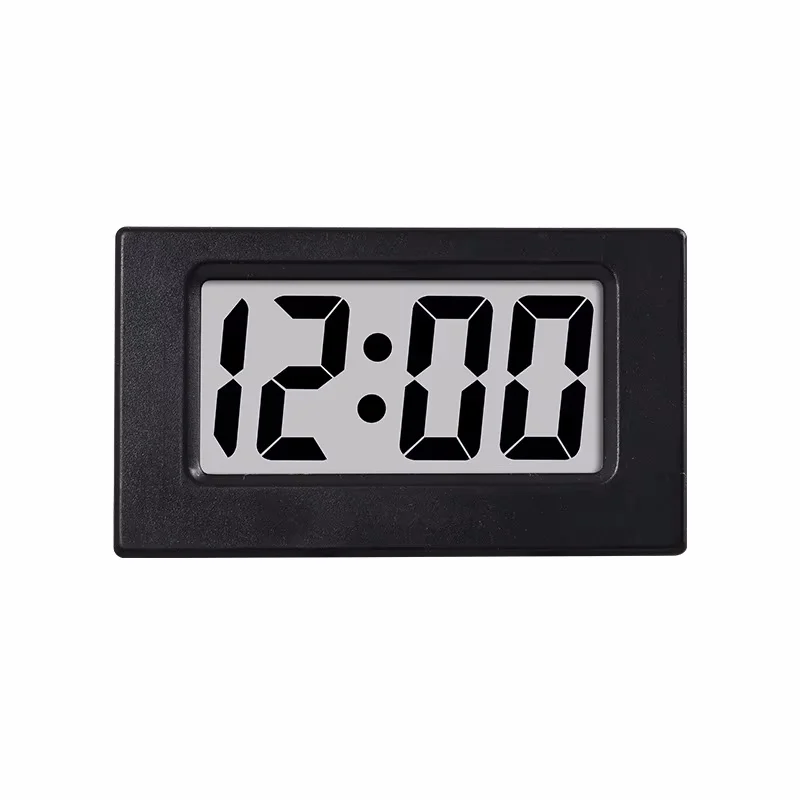
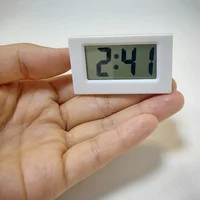
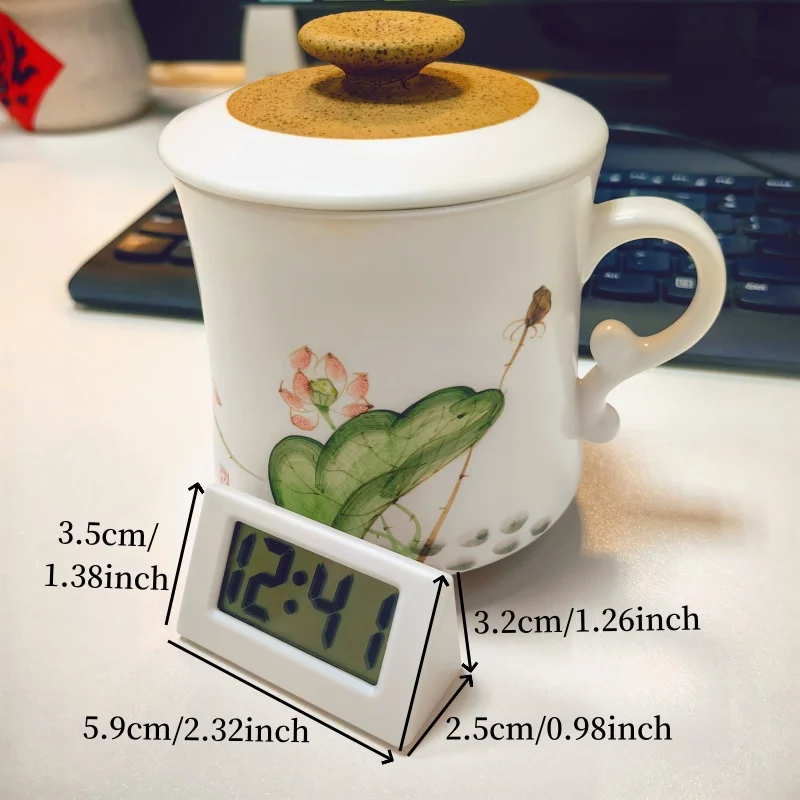
Size:5.9*3.5*3.2*2.5cm/2.32*1.38*1.26*0.98inch
Package:
1*manual
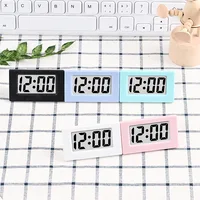
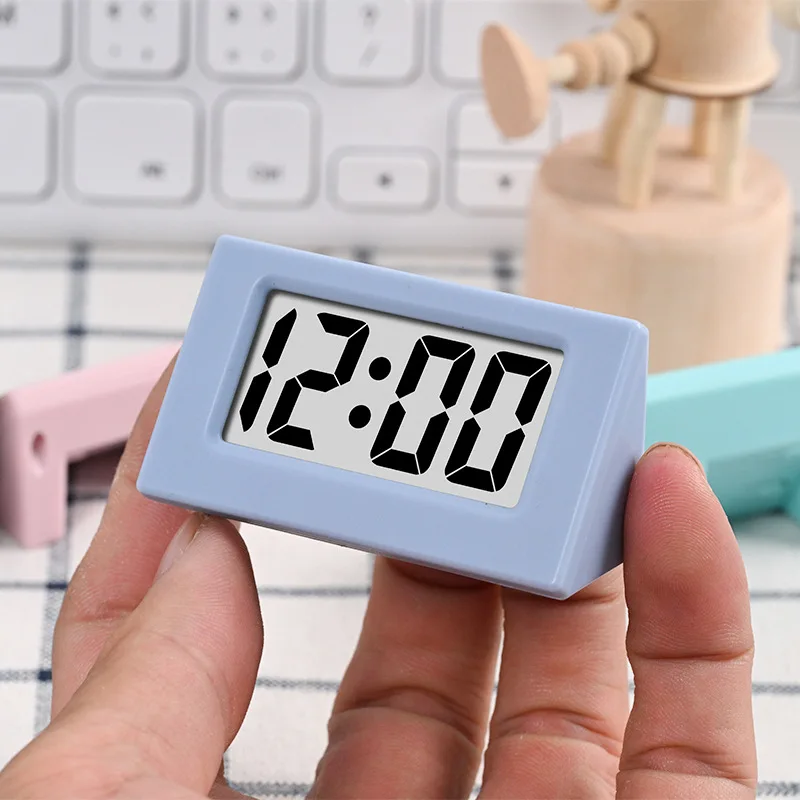
1*Mini Table Clock
1*Built-in LR1130 button battery
Function:
1.12-hour clock display only;
2.Displays time and date
3.Battery Powered:1pc LR1130/AG10 battery(Included)






 Kitchen
 Scarves & Gloves
 Hats
Hats Belts
Belts Sunglasses
 Headwear
Reviews
There are no reviews yet.